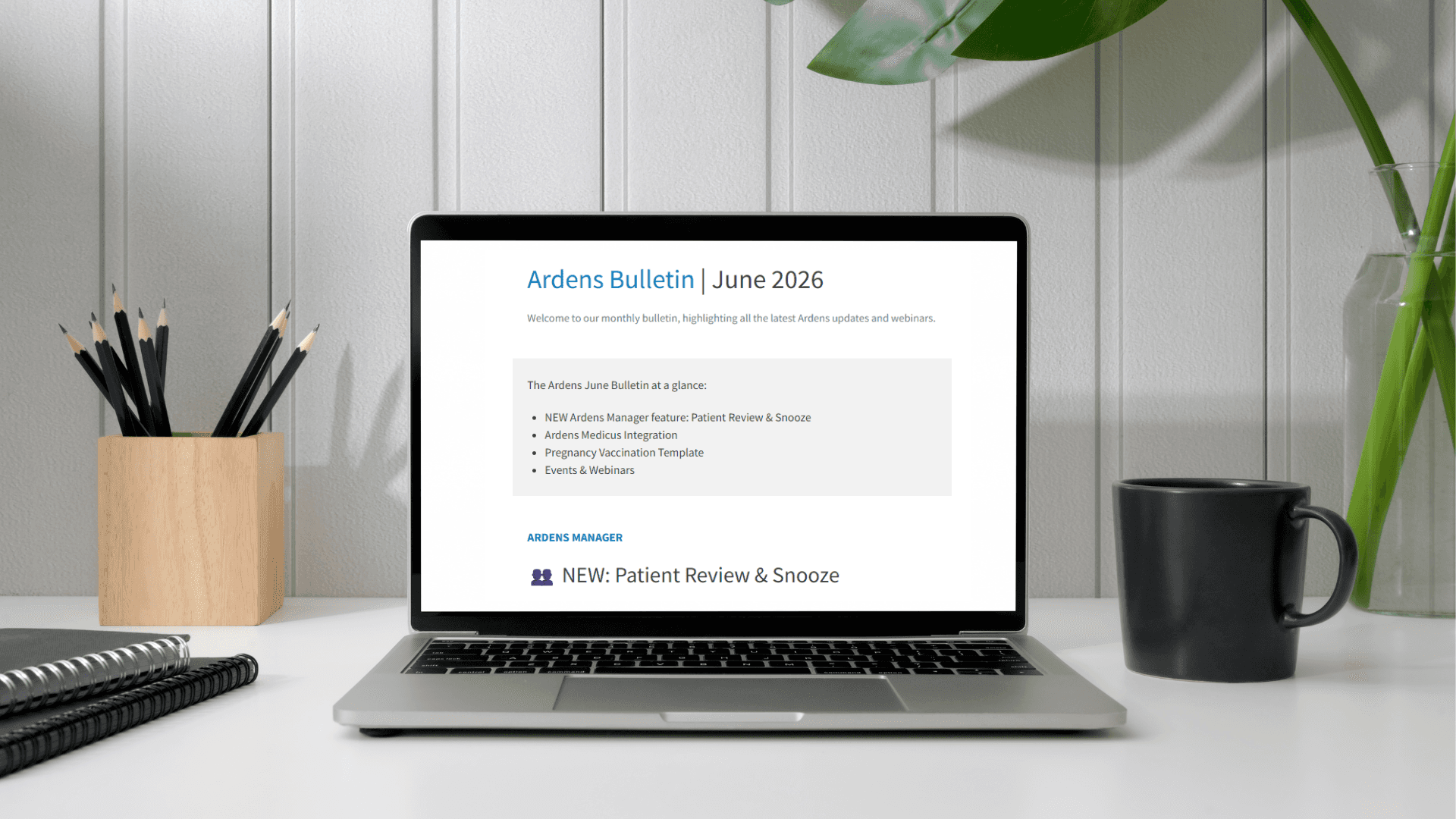
The Ardens June Bulletin at a glance:
NEW Ardens Manager feature: Patient Review & Snooze
Ardens Medicus Integration
Pregnancy Vaccination Template
Events & Webinars
ARDENS MANAGER
👥 NEW: Patient Review & Snooze
Ardens Manager users can now access our new Patient Review & Snooze feature. This functionality is designed to complement existing clinical system workflows by helping teams manage and document activity undertaken against patients within reports. Example use cases include prescribing safety, case finding, and proactive review work.
Users can add manual reviews to patients, including notes, actions taken, outcomes, and contact attempts. The ‘Snooze’ function can also be applied to temporarily remove patients from ‘Work to do’ counts for a chosen period where work is in progress, follow-up is pending, or no immediate action is required. Once added, users have the ability to copy and paste a note summary to be added to the patient record.
Where a clinically appropriate code is available to record activity as completed or excepted (for example, declined), this should always be recorded within the clinical system. This ensures the patient is permanently removed from the report through the standard report logic, rather than being hidden using Snooze.
Example - Medication Review Required
A patient awaiting a blood test appointment before a medication review can be completed could be 'Snoozed' on Ardens Manager for 4 weeks pending attendance. This will temporarily reduce the active ‘Work to do’ count by one until the snooze expires or the underlying activity is completed.
A patient who has either completed or declined a medication review should have the appropriate review or decline code recorded within the clinical system. Once the report refreshes on Ardens Manager, the patient will be removed from the report completely through the standard report logic, rather than remaining snoozed.
Benefits include:
Differentiating between outstanding and already actioned patients
Avoiding repeated review of the same patients
Tracking review decisions and patient contact attempts
Improving visibility of genuine remaining workload
How to access:
Click 'View' next to any report and navigate to the patient tab (ensure patient-level data is enabled)
Click 'View' next to any patient
Go to the 'Review' panel on the right-hand side
Follow the on-screen prompts to add the review
→ View Patient Review support article for full details.
🔗 Ardens Medicus Integration
We’re pleased to announce that Ardens is now working with Medicus. Organisations using Medicus can now enable data to populate Ardens Manager dashboards and benefit from full dashboard functionality. Ardens Clinical integration is also underway, with template testing currently in progress as part of a phased rollout across templates and searches.
We’ll continue working closely with the Medicus team as functionality develops further over the coming months.
Alongside this, we’ll also be making a routine update to our Terms of Supply and Use to reflect the addition of Medicus and associated data processing arrangements. The terms will also be updated to include additional integrations available to all Ardens Manager subscribers, including GP Connect, PDS and Patient Flags. The updated terms will come into effect from late June 2026 and will be available on our website ahead of this date.
→ Email accounts@ardens.org.uk for more information.
ARDENS CLINICAL
💉 Pregnancy Vaccination Template
Delivering timely and effective vaccinations is critical for preventing serious illness, and a new study from UKHSA shows that the RSV vaccine reduces the risk of hospitalisation in newborn babies by over 80 per cent when given at least two weeks before birth.
To support practices with delivering vaccinations for pregnant patients, our Pregnancy templates enable users to accurately document the administration of both RSV and pertussis vaccines, ensuring data is captured consistently and coding is correct for payment.
How to access:
EMIS Web (NEW): Press F12 and select the Vaccinations Launcher then Pregnancy - template.
SystmOne: Press F12 and add Pregnancy Vaccinations template to your favourites, or just search for it in the bottom left of SystmOne or via Auto-consultations.
TRAINING
▶️ Getting Started Webinars
We offer a range of Getting Started webinars throughout the year for new starters and those looking for a refresher on key Ardens resources. These webinars are a great way to learn the Ardens essentials.
Our next Getting Started webinar provides an overview of key Ardens Manager functionality and how to use the platform to support monitoring and oversight in general practice.
→ Register for the Getting Started with Ardens Manager webinar - Thurs 18th June, 1-2pm
You can find recordings of previous Getting Started webinars on our YouTube channel. Subscribe to our channel to be alerted when we add a new webinar recording.
🎯GP Contract 2026/27 Courses
We've recently published a brand new Ardens Academy guide to support users to understand the changes to the GP Contracts for this financial year, and how to use Ardens resources to deliver these contracts effectively and efficiently.
→ Log in or sign up to Ardens Academy.
UPCOMING ARDENS WEBINARS
Tues 16th June, 1-2pm - Ardens SystmOne: Getting Started with the Ardens LTC Recall System
Thurs 18th June, 11am-12pm - Ardens EMIS: Getting Started with the Ardens LTC Recall System
Thurs 18th June, 1-2pm - Getting Started with Ardens Manager
RECENT WEBINAR RECORDINGS
GP Contract 2026/27 Update - EMIS Web | SystmOne | Ardens Manager
EDUNUG WEBINARS
EduNUG webinars are delivered by Ardens exclusively for members of the EMIS National User Group, and are designed to support best practice and practical use of EMIS.
Tues 9th June, 12-1pm - Introduction to EMIS Web for Clinical Staff
Thurs 11th June, 2-3pm - Introduction to EMIS Web for Admin Staff
These webinars are only available to EMIS NUG members. Membership must be confirmed before registering.