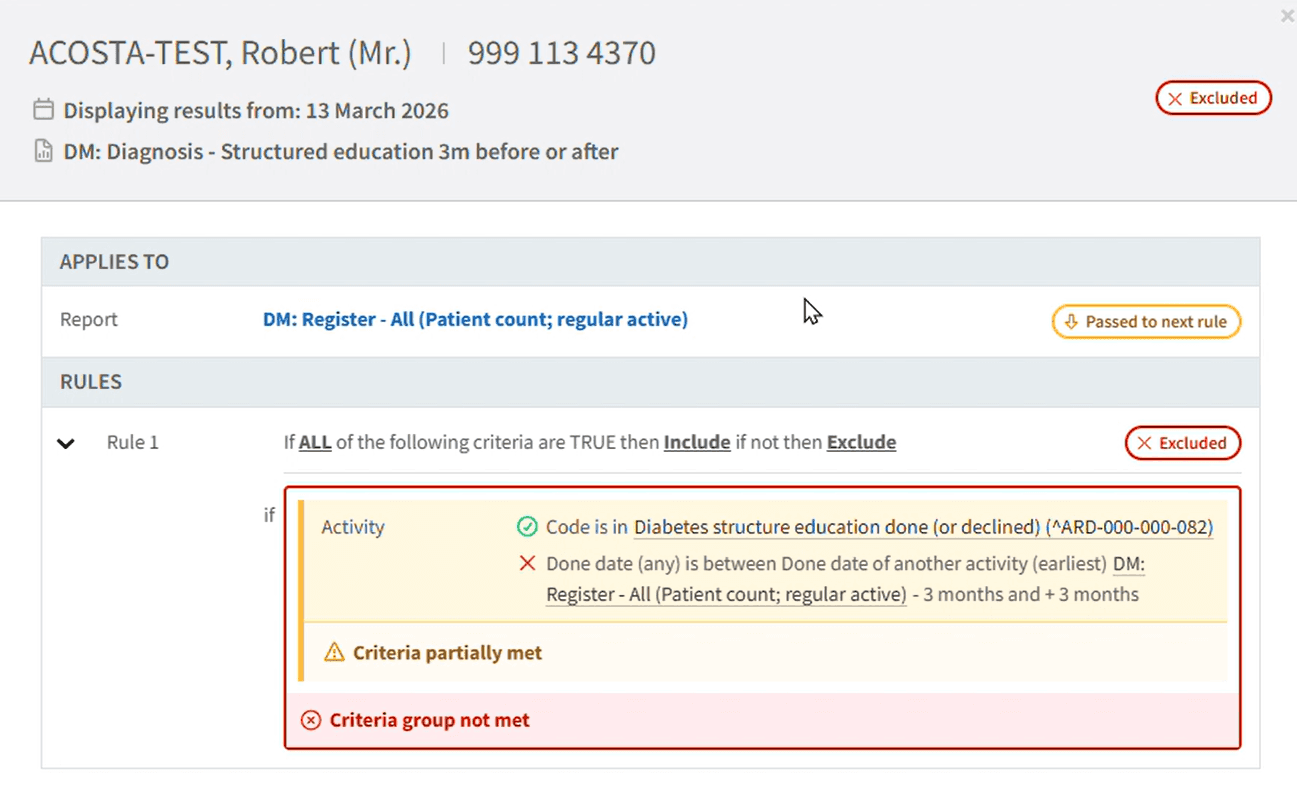
Check Patient allows users to quickly understand why a patient has been included or excluded from a report in Ardens Manager.
By selecting a patient, users can view a clear breakdown of the report logic, including which rules and criteria were met, and the clinical activity that contributed to the outcome. Users can also search for a patient by NHS number to investigate why they do not appear in a report.
This provides greater transparency, helps validate report results, and makes it easier to identify missing coding, activity or data quality issues.